Collect the mechanical documents
Ask for equipment details, the proposed location and available plans. Check the city’s mechanical checklist for required calculations and layouts; AI photos are not a substitute for engineering documents.
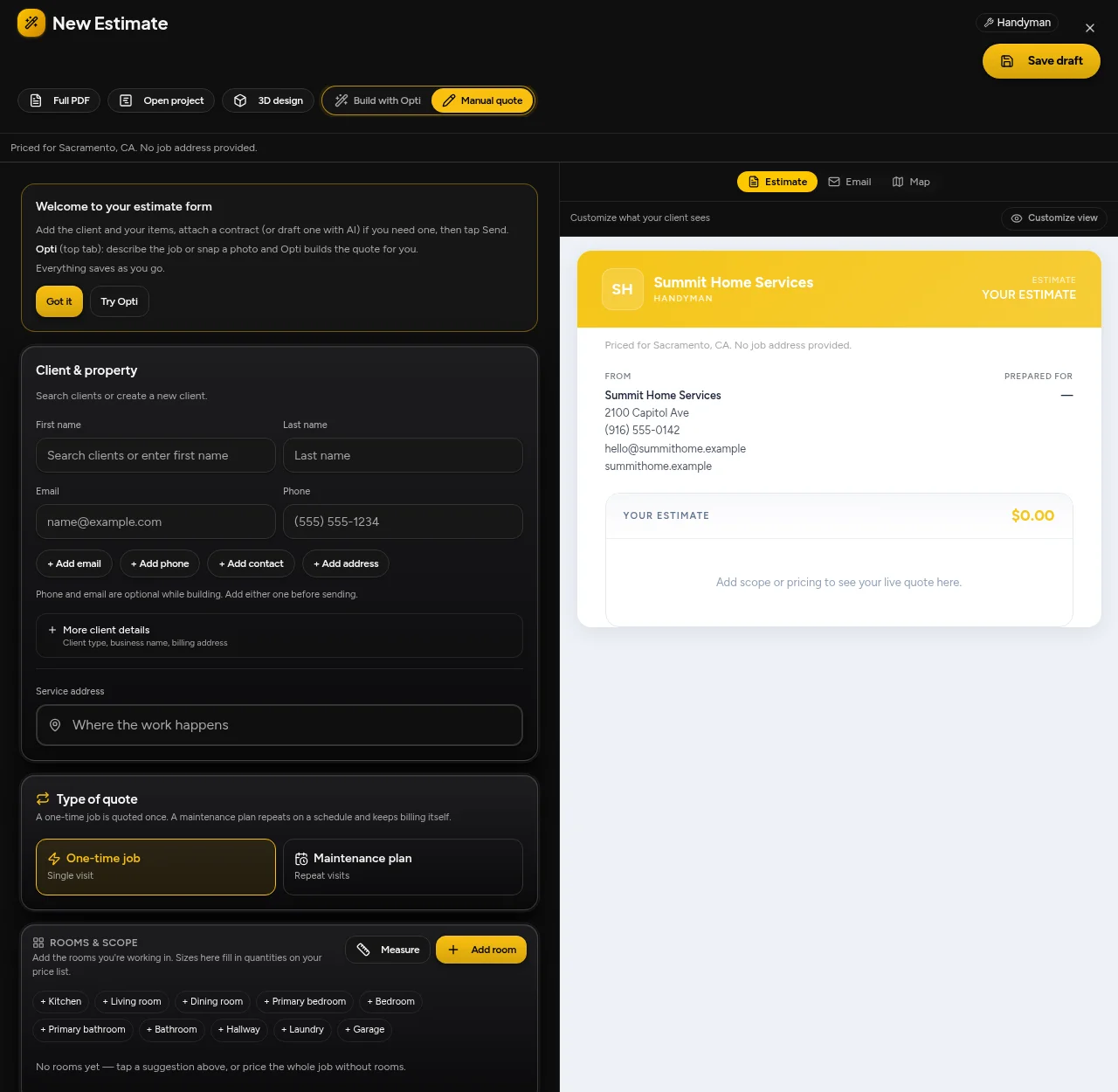
Keep customer intake, reviewed estimates, scheduling and payments connected. Plan hvac & heating service work in Phoenix around the actual address, scope and access requirements.
14-day free trial. No credit card required to start.
Phoenix’s mechanical review checklist covers items such as cooling-load calculations, equipment layout and condensate disposal. Its worker heat-safety ordinance has a defined scope involving certain city contracts, licenses and leases; it is not a blanket rule for all private work.
Ask for equipment details, the proposed location and available plans. Check the city’s mechanical checklist for required calculations and layouts; AI photos are not a substitute for engineering documents.
Confirm access times, outdoor tasks and crew availability. For work covered by the city ordinance, verify the applicable heat-safety requirements and keep the relevant plan with the job documents.
Confirm which addresses your business accepts. Nearby places can have different permit authorities, travel assumptions and disposal options; a city label is not a jurisdiction check.
Downtown Phoenix · Scottsdale · Tempe · Mesa · Chandler · Gilbert
Capture the symptom, equipment details and repair-versus-replacement scope. Use field findings and qualified calculations to confirm the proposed work.
Check parts, access, applicable permit and inspection requirements. Record the customer’s available times rather than treating a signed quote as a booked appointment.
Keep approved scope, equipment references and inspection documents together. Review invoice totals and the customer’s outstanding balance.
These resources describe local processes, not a guarantee that a rule applies to your job. Confirm the address, work type, current requirements and exceptions with the relevant authority before scheduling or quoting.
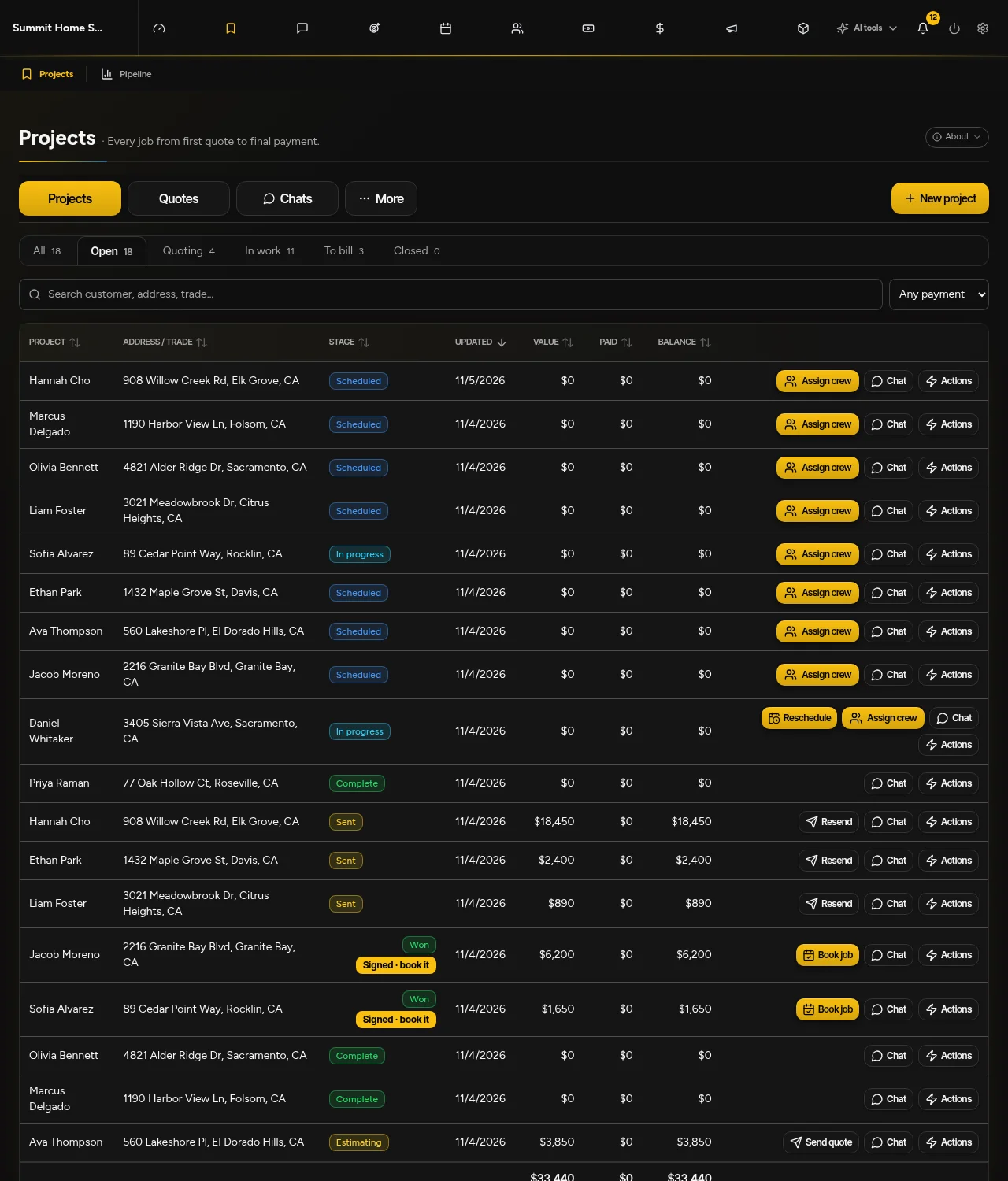
Use customer intake, editable estimates and project booking in the same workspace. Review AI-derived scope and prices before sending; a signature does not itself book or pay for the work.
No. OptimizeIt is business software, not a local contractor, mover or hauling company. Your business chooses its own service area, prices and crew assignments.
No. Confirm requirements for the specific address and scope with the relevant authority. Local resources here support planning; they do not replace permit review or professional advice.
No. Review quantities, scope, travel assumptions and your saved prices. Available AI, phone and automation tools depend on your plan, setup and chosen settings.
14-day free trial. No credit card required to start.
14-day free trial. No credit card required to start.