Schedule around the inspection status
Record the permit reference, responsible contractor and inspection appointment. Keep unresolved inspections visible before planning the next phase rather than assuming a requested inspection is approved.
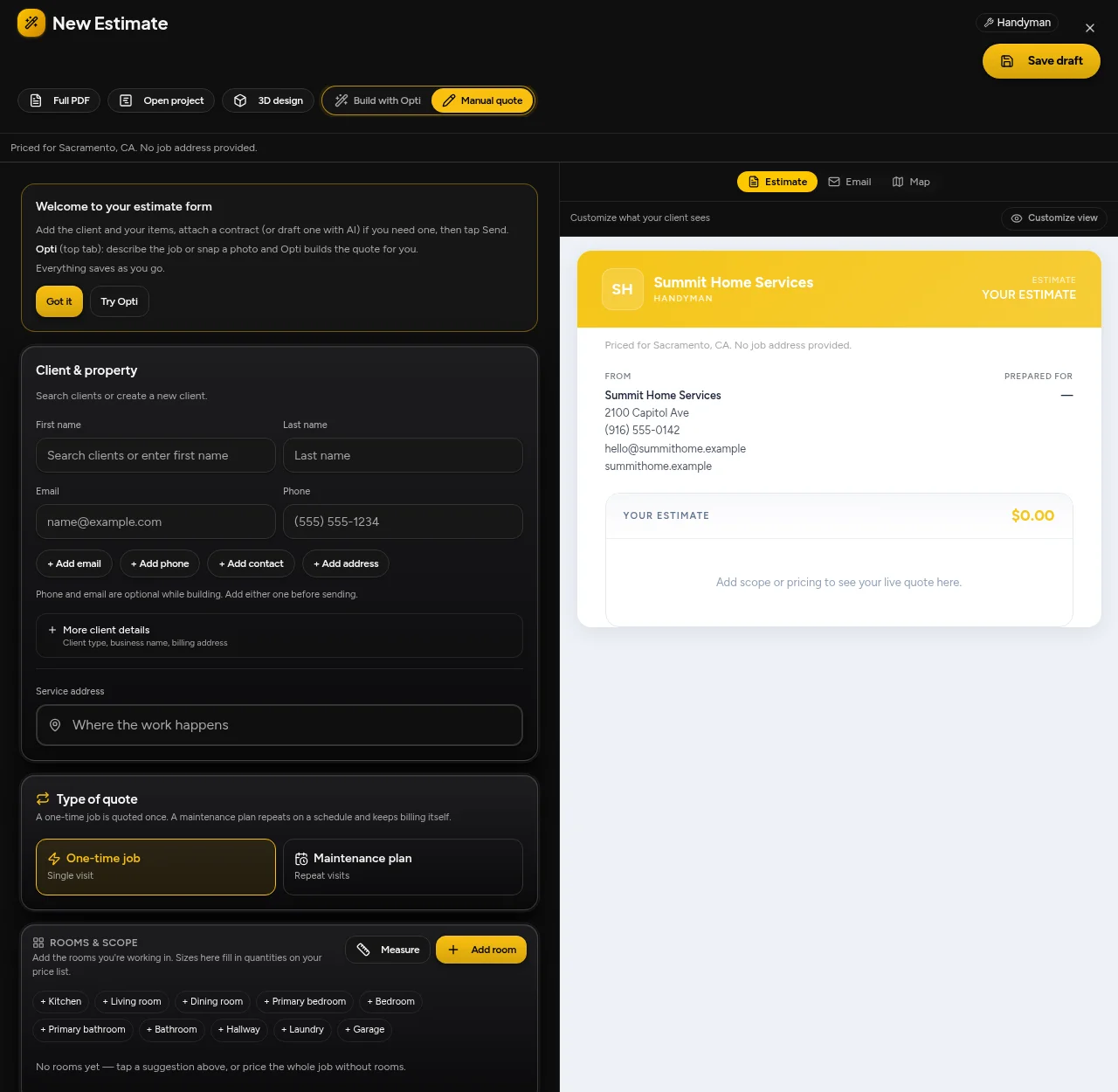
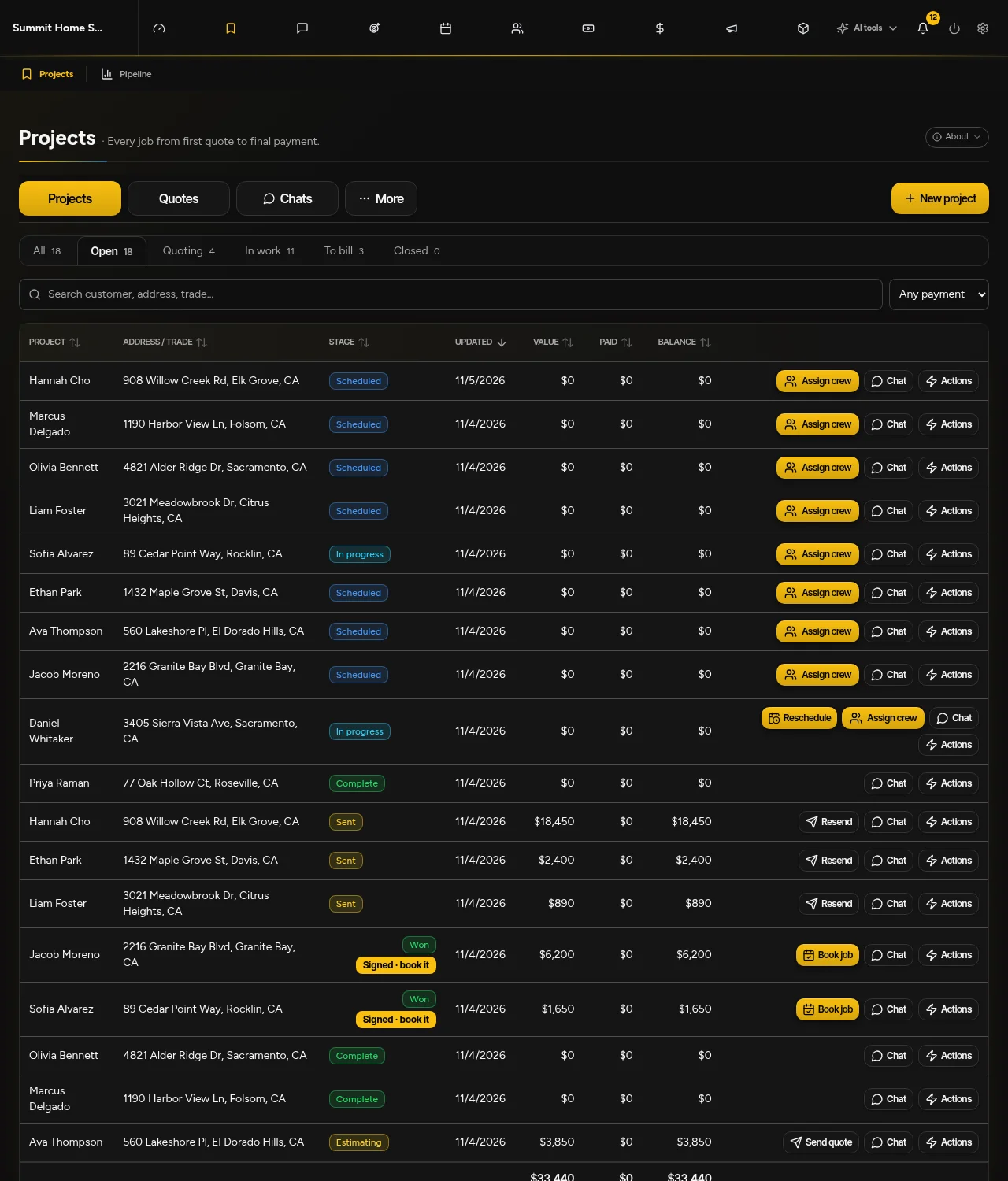
Keep customer intake, reviewed estimates, scheduling and payments connected. Plan general contractor & builder work in Houston around the actual address, scope and access requirements.
14-day free trial. No credit card required to start.
Houston offers online trade-permit and inspection processes for eligible licensed and registered contractors. The city also publishes floodplain development guidance. The work and property determine which checks apply.
Record the permit reference, responsible contractor and inspection appointment. Keep unresolved inspections visible before planning the next phase rather than assuming a requested inspection is approved.
Ask about the proposed work and existing approvals. When floodplain questions arise, use Houston’s development resources to verify the property-specific process before finalizing scope.
Confirm which addresses your business accepts. Nearby places can have different permit authorities, travel assumptions and disposal options; a city label is not a jurisdiction check.
Downtown · The Heights · Montrose · River Oaks · Galleria · Sugar Land
Collect the address, photos, dimensions and requested outcome. Separate confirmed work from allowances and quantities needing an on-site check.
Confirm site access, materials and applicable approval requirements. Plan work phases from the reviewed estimate and preserve already-started work.
Keep project documents and approved scope together. Review invoices, deposits and remaining balances before the next collection action.
These resources describe local processes, not a guarantee that a rule applies to your job. Confirm the address, work type, current requirements and exceptions with the relevant authority before scheduling or quoting.
Use customer intake, editable estimates and project booking in the same workspace. Review AI-derived scope and prices before sending; a signature does not itself book or pay for the work.
No. OptimizeIt is business software, not a local contractor, mover or hauling company. Your business chooses its own service area, prices and crew assignments.
No. Confirm requirements for the specific address and scope with the relevant authority. Local resources here support planning; they do not replace permit review or professional advice.
No. Review quantities, scope, travel assumptions and your saved prices. Available AI, phone and automation tools depend on your plan, setup and chosen settings.
14-day free trial. No credit card required to start.
14-day free trial. No credit card required to start.